Download APK
Features Screenshots How to Use FAQs Privacy Policy Download APK
✨ Premium Mobile Utility

Download Videos In One Tap

SaveMate is a modern, lightweight, and ultra-fast media downloader for Android. Save high-definition videos from TikTok, Instagram, Facebook, and Pinterest straight to your device. Completely ad-free interface, offline playing, and smart clipboard pasting.
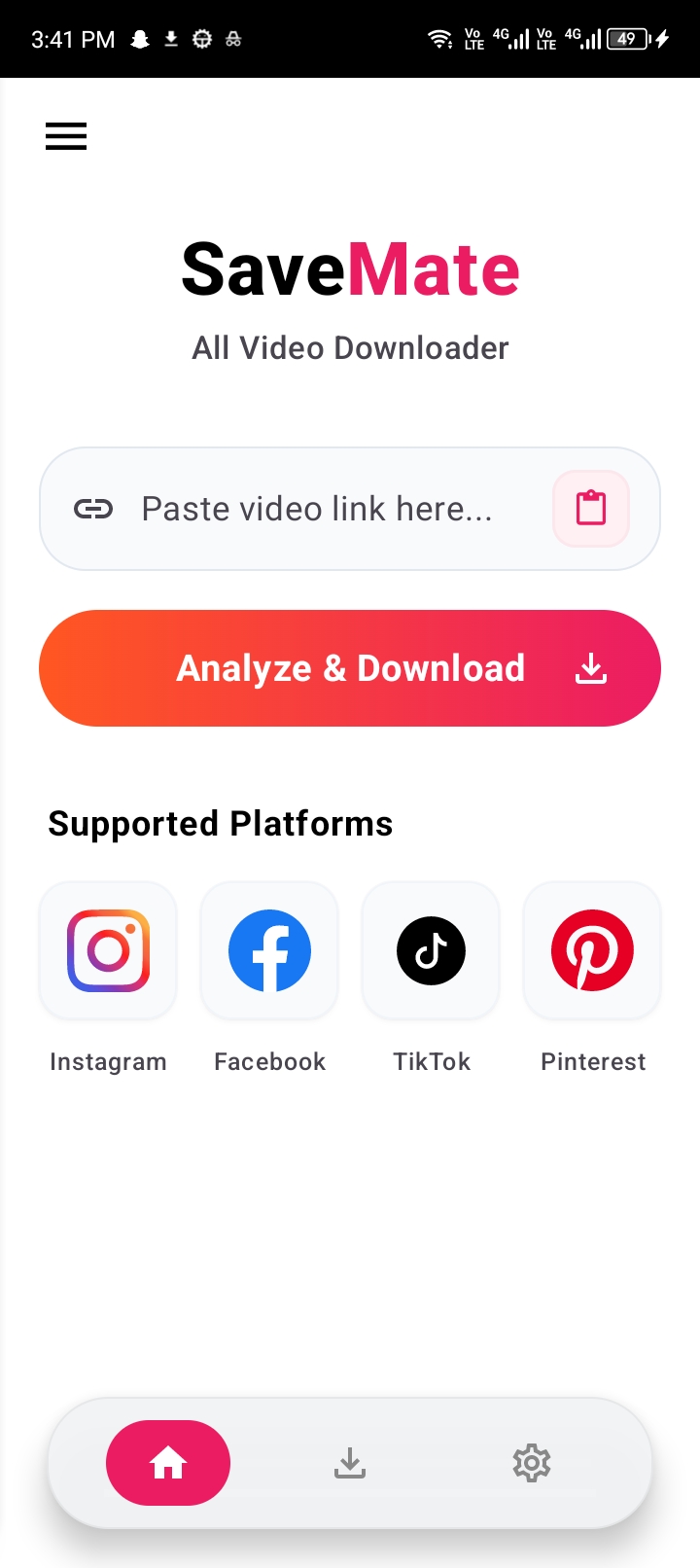
Supported Platforms:
Instagram
Facebook
TikTok
Pinterest
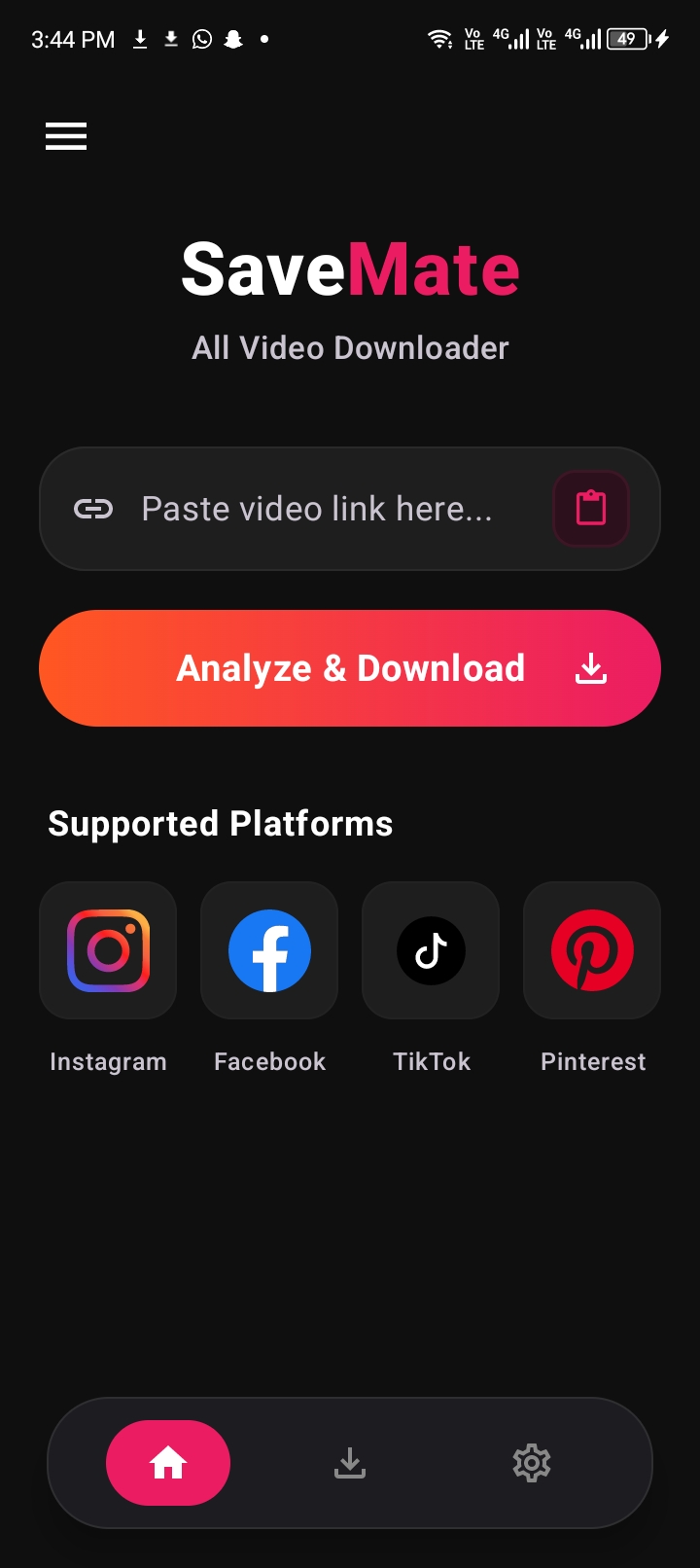
SaveMate App Dark Mode
Visual Interface

App Screenshots

Take a visual tour of SaveMate's clean, premium design, dark & light mode systems, and advanced downloading features.

SaveMate Home Dark Mode
Home (Dark Mode)
SaveMate Home Light Mode
Home (Light Mode)
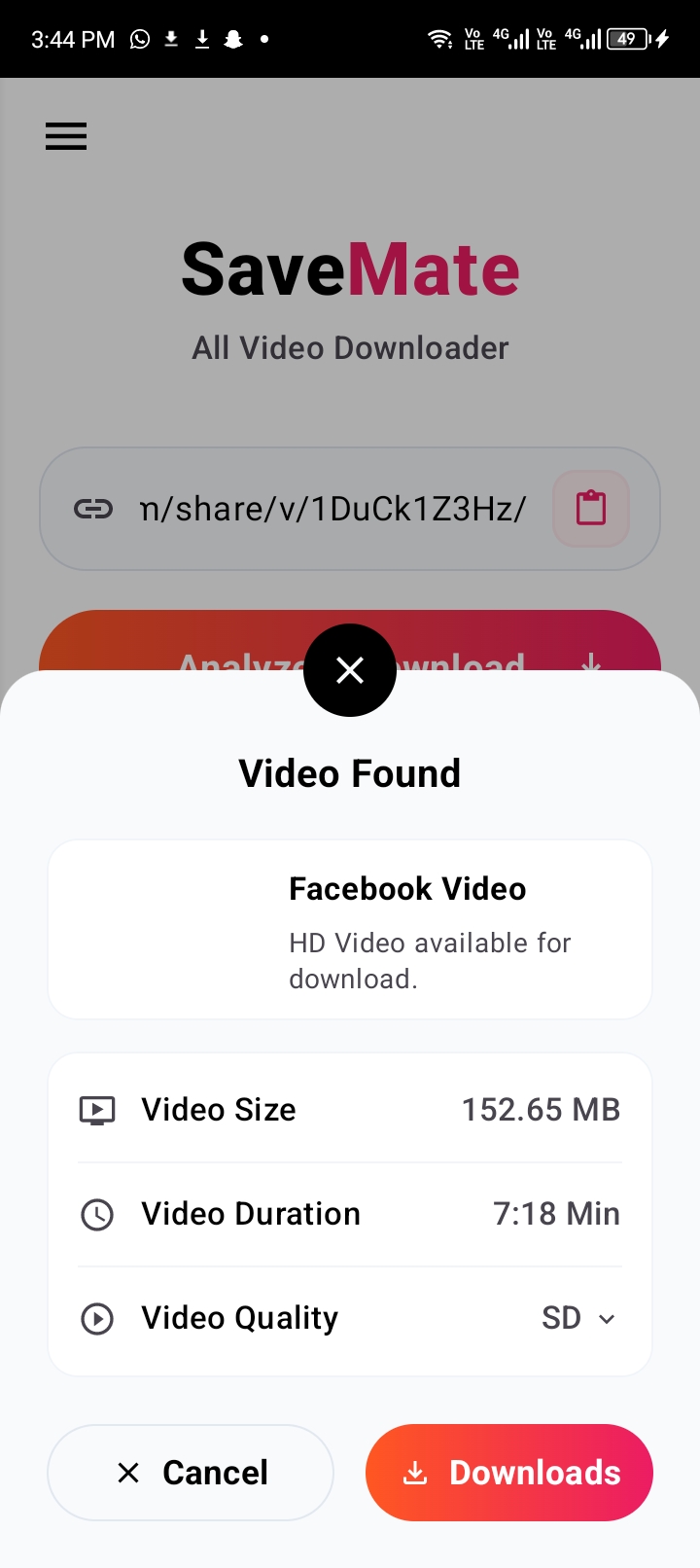
Video Found Popup sheet
Video Found sheet
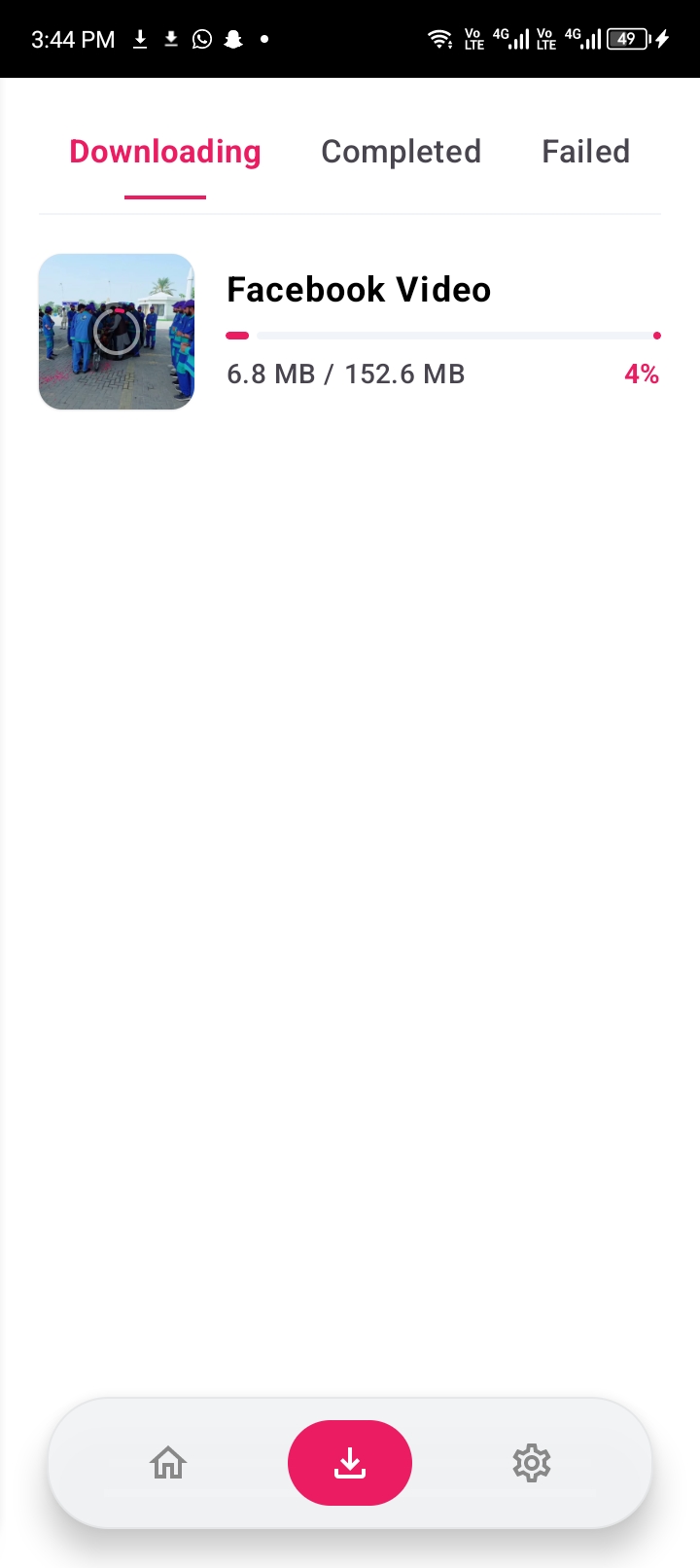
Downloading Progress
Completed Downloads Grid
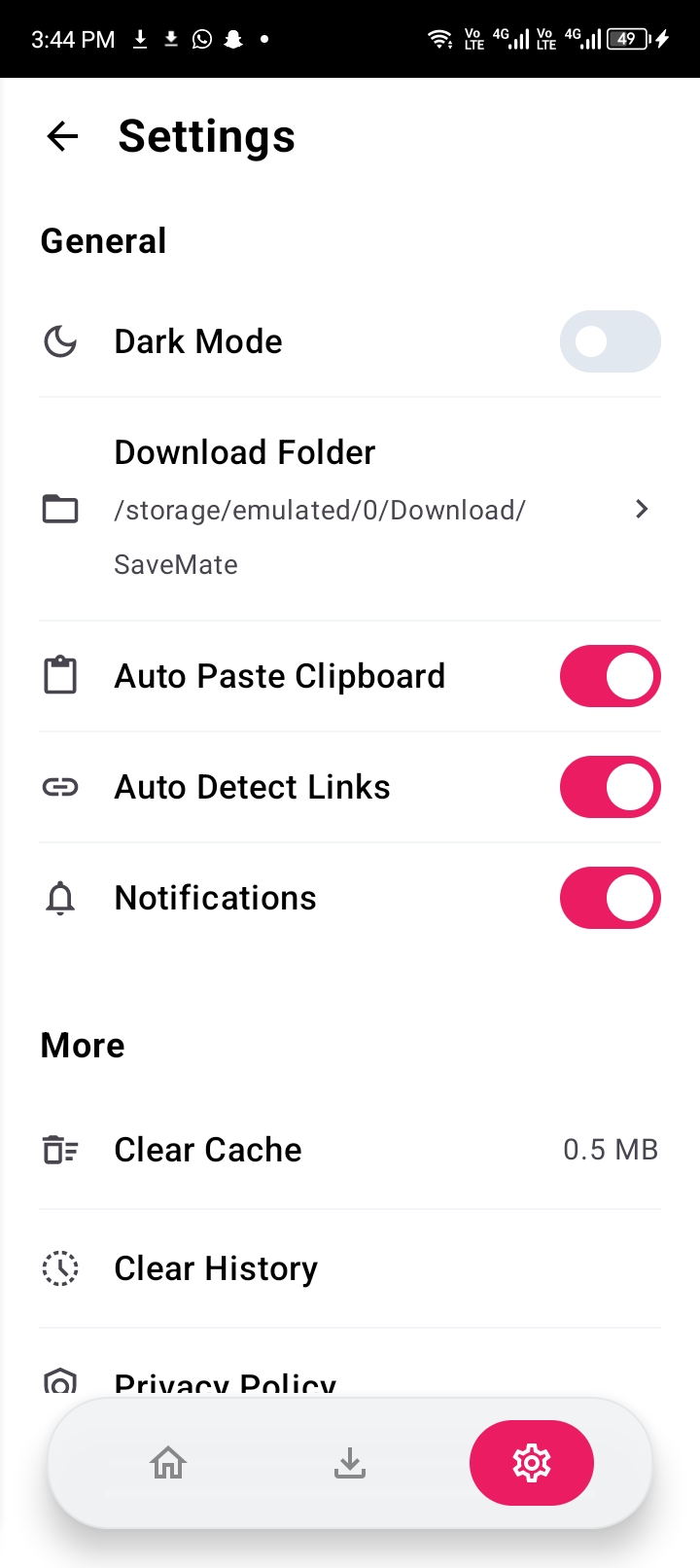
Settings Screen Options
Settings Options
Play and Share Video Info
Video Player Details
Powerful Utility

SaveMate Highlights

We engineered the app to be fast, elegant, and packed with high-end premium features that elevate your offline media experience.

🚀

Supercharged Downloading

Utilises standard multi-threaded connections to extract stream packets at maximum server speeds. Large HD video files are downloaded in seconds.

📋

Clipboard Auto-Detect

No more manual pasting! The app automatically scans the system clipboard on launch and resumes, immediately identifying valid media URLs.

🔗

Direct Share Sheet

Integrates natively into Android's share menus. Clicking "Share to SaveMate" inside TikTok or Instagram instantly begins link analysis.

Premium Grid Gallery

Beautiful double-column visual layout inspired by media feeds. Completed files display custom platform tags, details, and context menus.

Built-in HD Player

Review your downloads immediately with our customized offline video player. Complete with seek gesture support and quick sharing.

🗂️

Smart Library Sorting

Organise your downloaded library by size, title alphabetical order, or download timestamps with a single touch, keeping your storage clean.

Simple Guide

How To Download

Download videos in three extremely simple steps without leaving your favourite social applications.

1

Copy Video Link

Open TikTok, Instagram, Facebook, or Pinterest, and tap Copy Link or Share on the post you want to download.

2

Open SaveMate

Open the app. SaveMate will automatically detect the clipboard link, analyze the stream details, and display the options sheet.

3

Download & Play

Select your desired video quality (HD or SD) and tap Download. Play or share your downloaded videos from the local gallery!

Common Questions

Frequently Asked Questions

Have questions about SaveMate's capabilities, security policies, or support services? Check our quick reference list.

Still need help or want to request a feature?

Contact Support Email

Yes! SaveMate is completely free to download and use. We do not require any paid subscriptions, account registrations, or personal credentials to extract videos.

SaveMate supports all major Android platforms starting from Android 8.0 (API 26) up to the latest Android 15 and 16 releases. Permissions are adaptively requested based on your system version to avoid bugs.

By default, videos are saved in your phone's public downloads directory under the path /Download/SaveMate/. You can customize this storage folder path within the SaveMate Settings screen.

No, SaveMate values your privacy. All download logs, histories, and file collections are stored purely locally inside your device's private SQLite Room database. No data is uploaded to remote servers.